Why Your Smart Home Needs Enterprise-Grade WiFi
Your smart home is only as reliable as your network. When a Crestron system can't reach a device, a shade doesn't open. When WiFi drops in the pool house, the outdoor speakers go silent. When your router is overwhelmed, your 4K stream buffers at exactly the wrong moment. The network is the nervous system of a smart home — and most homes have the wrong one.
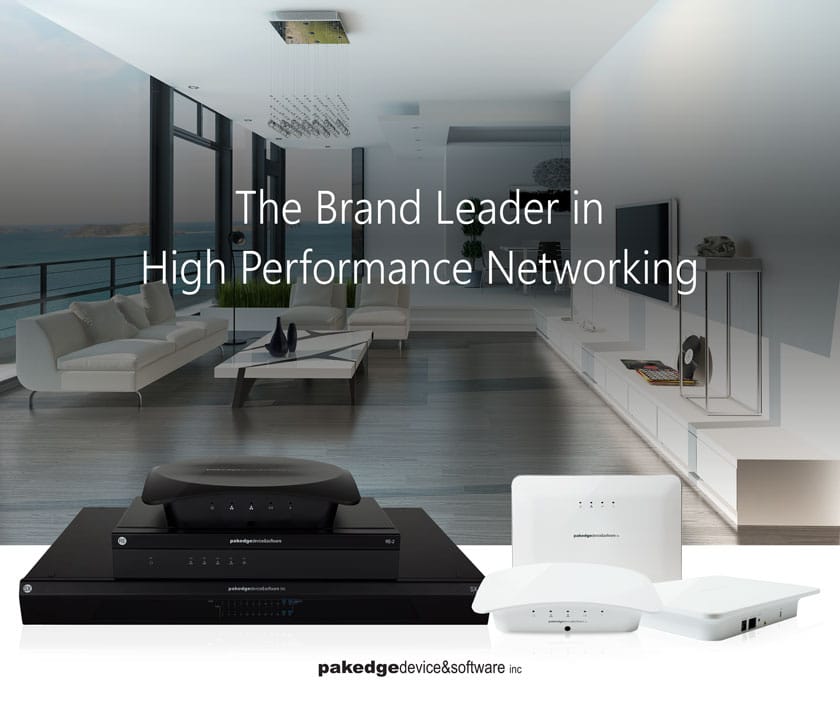
We've seen it countless times: a beautifully designed Crestron system that underperforms because the network it runs on isn't up to the task. Consumer mesh systems from the big box store, ISP-provided modem/routers left in place, access points duct-taped to the back of a bookshelf. These solutions aren't adequate for a professional smart home — and the problems they cause are often mistaken for automation system faults.
At DLSAV, every smart home project begins with a proper network design. We deploy enterprise-grade hardware, configure it professionally, and manage it as an integrated part of your Crestron system. Here's why it matters.
The rule of thumb: Count the wireless devices in your home. Phones, tablets, laptops, TVs, streaming players, smart speakers, security cameras, smart light switches, thermostats, door locks. If that number is over 30 — and in a properly outfitted smart home it's often over 75 — a consumer router is not enough.
What Enterprise WiFi Actually Means
Enterprise WiFi is the same technology deployed in hotels, corporate offices, hospitals, and stadiums — environments that require simultaneous connectivity for hundreds of devices with consistent performance and managed security. Adapting this technology for residential use is what separates a professionally installed network from a consumer self-install.
Managed Access Points
Enterprise-class access points (APs) handle far more concurrent connections than consumer WiFi units — typically 50–100+ devices per AP at consistent signal quality. In a large home, we typically install multiple access points throughout the structure: one per floor, one for the garage, one for the pool area, one for outdoor entertainment zones. All of these APs are managed from a single controller, creating one seamless wireless network your devices move between automatically without dropping connection.
VLAN Network Segmentation
A properly designed smart home network uses VLANs (Virtual Local Area Networks) to segment traffic by type. Your Crestron control system, IP cameras, IoT devices, and personal computing devices all live on separate logical networks. This does two important things: it prevents an IoT device from creating congestion that affects your video streaming, and it provides a significant security benefit by isolating smart home devices from your personal computing environment.
Quality of Service (QoS)
QoS configuration ensures that the most latency-sensitive traffic gets priority on your network. Real-time Crestron control commands get immediate bandwidth. Your Zoom calls don't compete with your 4K streaming. Background system updates don't interfere with your home theater experience. This level of traffic management is simply not available in consumer router firmware.
Why It Matters Specifically for Smart Homes
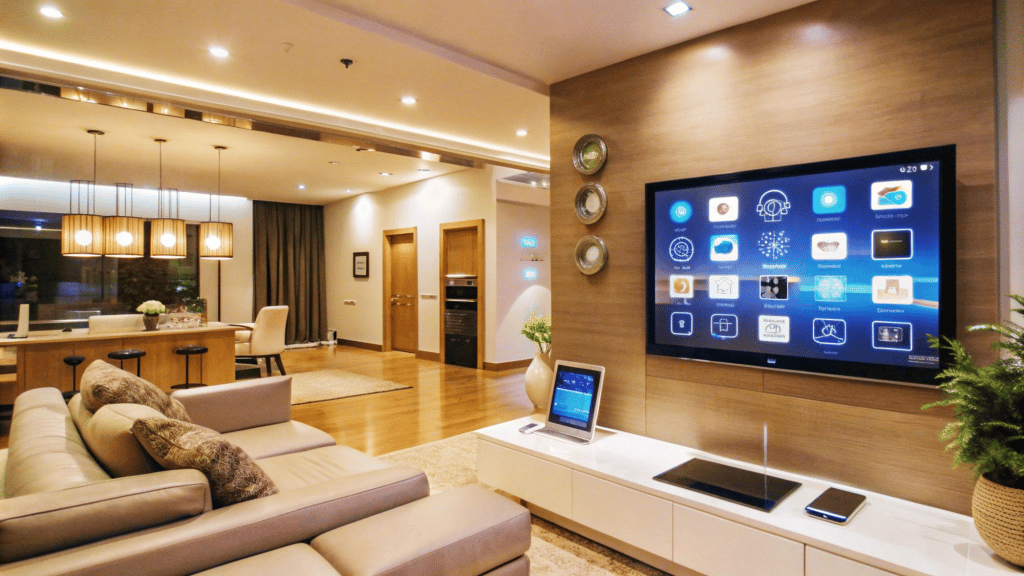
A conventional home might have 10–15 wireless devices. A fully integrated smart home with Crestron control, distributed audio, 4K video distribution, IP security cameras, automated lighting, motorized shading, and smart climate control can easily have 80–150 wireless devices — all needing simultaneous, reliable connectivity.
Crestron Control Reliability
Crestron's IP-based communication requires a stable, low-latency network. When a keypad sends a command to a Crestron processor, the response should be near-instantaneous. Network congestion, interference, or poor AP placement creates perceivable latency in control response — lights don't dim immediately, shades don't respond as commanded. On a properly designed enterprise network, this never happens.
4K and 8K Streaming
4K HDR streaming requires 25+ Mbps of stable bandwidth per stream. If you have three TVs streaming simultaneously — plus cameras, control systems, and general home use — you can easily exceed 100 Mbps of sustained wireless demand. Enterprise APs with 802.11ax (WiFi 6) support handle this without breaking a sweat. A consumer mesh system with 20 devices connected is running at the edge of its capacity.
Outdoor and Pool Area Coverage
Consumer WiFi signals don't reliably reach pool areas, detached garages, guest houses, or large landscaped yards. Outdoor-rated enterprise access points, properly weatherized and mounted, extend your seamless network to every corner of your property — including outdoor entertainment areas where your Crestron system controls outdoor AV and landscape lighting.
What We Install and Why
DLSAV deploys enterprise networking solutions from leading commercial manufacturers including Cisco Meraki, Ruckus, and Ubiquiti UniFi — all purpose-built for high-device-count environments and managed through cloud-based controllers that allow us to monitor and support your network remotely.
Every network we design starts with a site survey — measuring signal strength, identifying interference sources, and mapping access point locations for optimal coverage. We then configure the system, test every room in the home, and hand over a documented network with all credentials and configuration notes. You'll never lose your WiFi password again, and we can diagnose and resolve most issues remotely in minutes rather than requiring a truck roll.
Remote monitoring included: Every network DLSAV installs is remotely monitored. If an access point goes offline or a switch reboots unexpectedly, we know about it — often before you do. This proactive monitoring is part of our standard support model.